What Is a Lenticular Poster? A Guide to 3D and Moving Prints
A lenticular poster uses a lens surface to show a different image, movement or 3D depth as the viewing angle changes. Learn how to choose an effect, prepare artwork, approve a proof and request a quote.

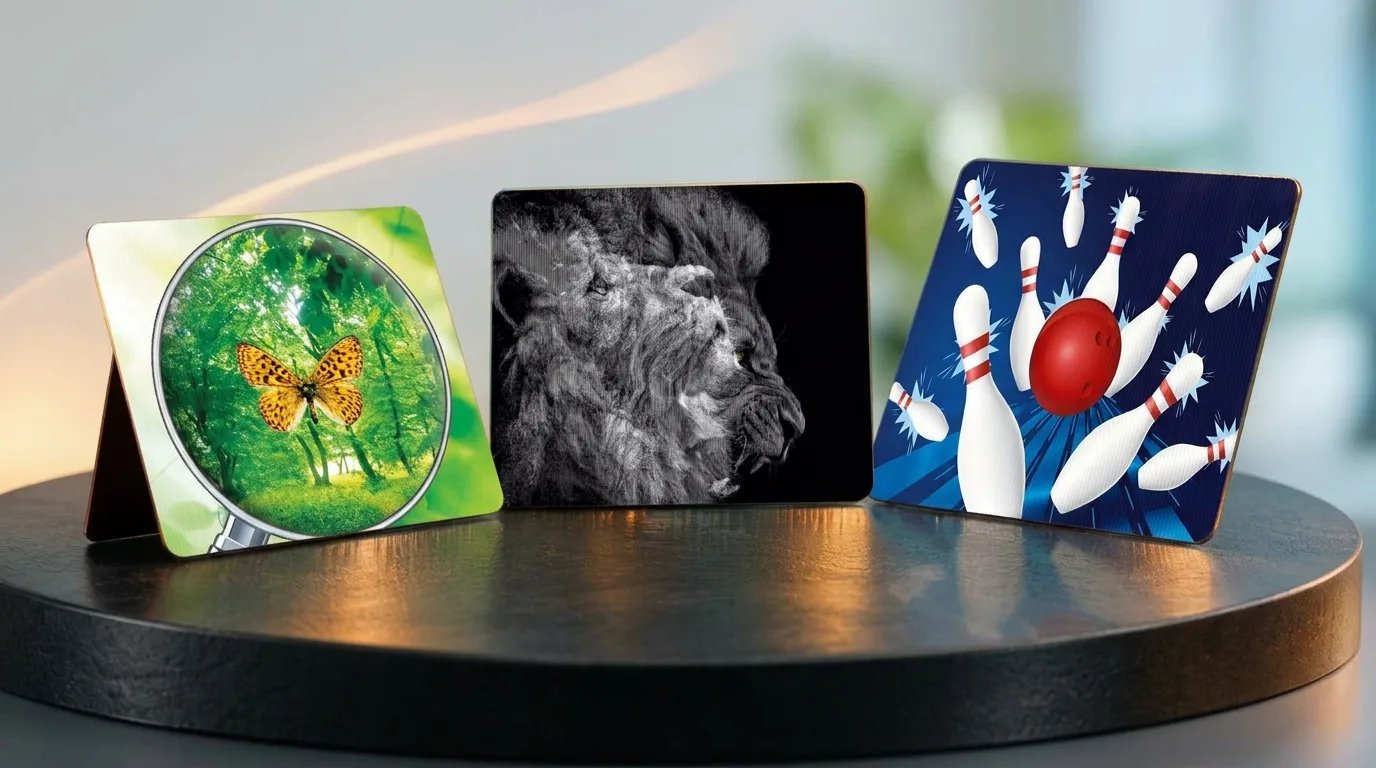
A lenticular poster is a printed display with a fine lens surface that reveals a different image, apparent movement or 3D depth as the viewing angle changes. A shopper approaching a window from the left might first see a product’s previous packaging, then see its new design a few steps later. The change in angle turns two images on one poster into a product story. When planning a poster for a shop window, trade show stand, launch or point of sale, start with how people move through the space and what you want them to see as they pass.
How does a lenticular poster work?
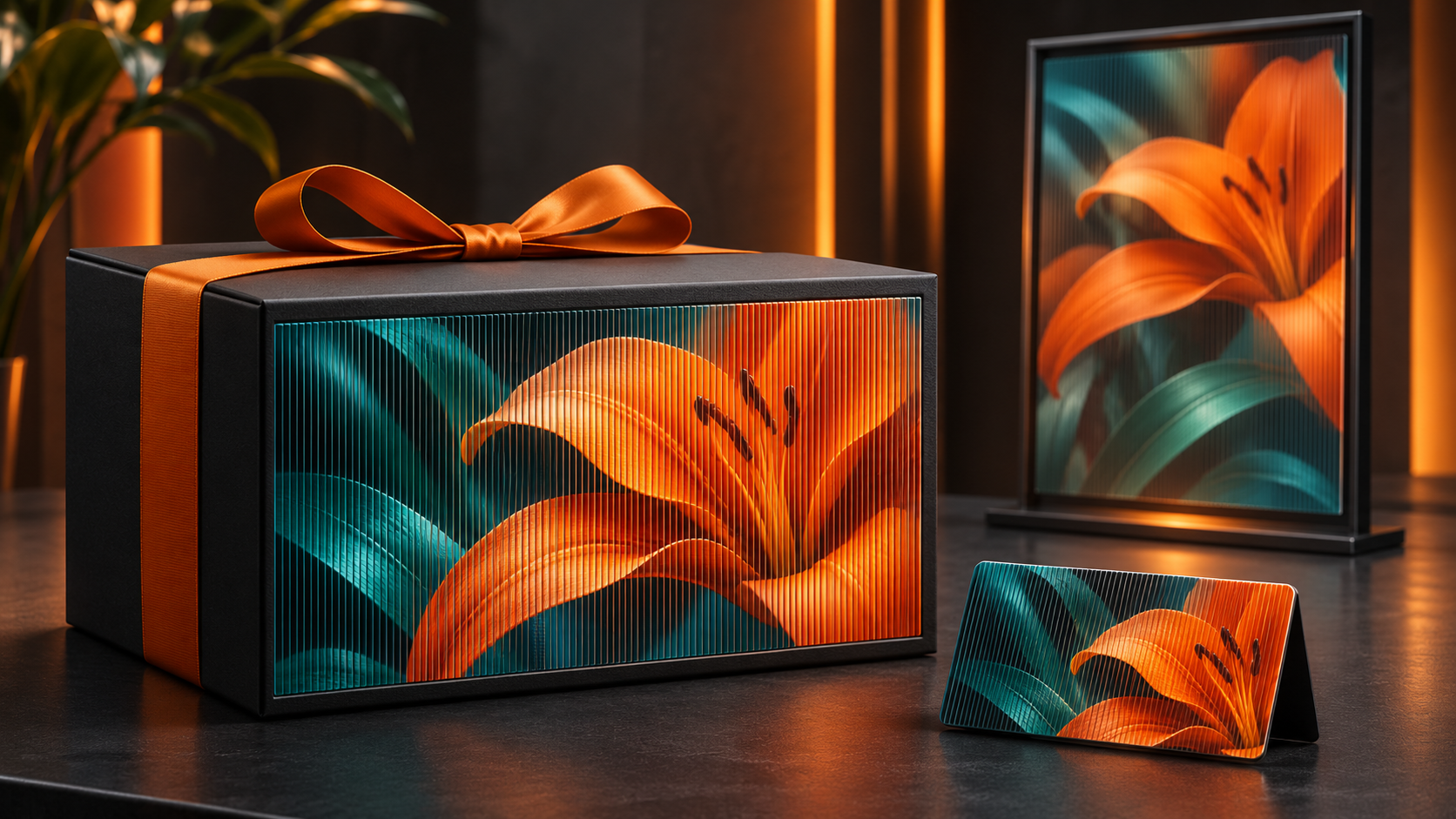
The front surface consists of many thin, parallel lenses. Before printing, two or more source images are sliced into narrow strips and combined in a specific sequence. This process is called interlacing. The lenses direct different groups of strips toward the viewer at different angles, so moving past the print reveals different frames. In a 3D application, each eye receives a slightly different view, creating a sense of depth.
The printed strips must align precisely with the lenses. Lens density, expressed in lenses per inch (LPI), is selected alongside viewing distance, poster size, lens orientation and the intended effect. A small poster meant for close inspection and a display viewed from across an aisle call for different optical choices. Read the guide to lenticular printing for more on the technique.
How do you choose between flip, 3D and animation?
Use a flip effect to show two distinct images
A flip gives a clear change between two frames. Before and after, old and new packaging, and closed and open product views are all easy to understand. For a sneaker campaign, the first frame can show the shoe’s profile while the second reveals the sole. During the transition, the two frames may briefly overlap. Keep the logo or campaign name in the same position in both frames when possible.

Use 3D depth to bring the product forward
Think of the composition as foreground, middle ground and background. The apparent distance between the product and its surroundings can emphasize the shape of a package or the position of an object in a scene. Place small text and logos on a plane where they remain easy to read. A single hero product on a trade show wall is a good starting point for this effect.
Use animation to show a short action
A lid opening, a component clicking into place or a product turning slightly can be shown with a sequence of frames. The action has to fit within the range of viewing angles that people will actually pass through. In a busy location, make sure the first frame conveys the message on its own. For options including zoom and morph, see our guide to lenticular printing effects.
Which format suits your window, trade show or point of sale?
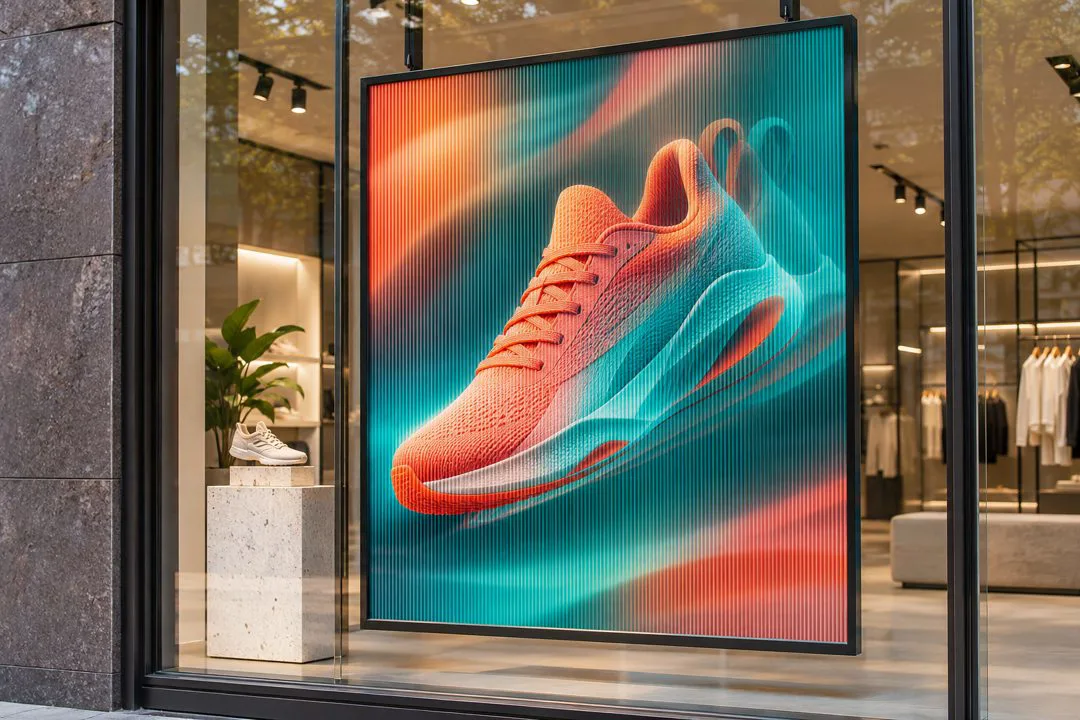
- Shop windows. If most foot traffic moves parallel to the glass, position the poster so the transition is visible along that route. Check reflections and spotlight placement before installation. Explore the Lenticular Poster for wall and window applications.
- Trade shows and launches. Identify where visitors first see the product from the aisle and where they might pause near the stand. For placement away from a wall, see the Lenticular Freestanding Display.
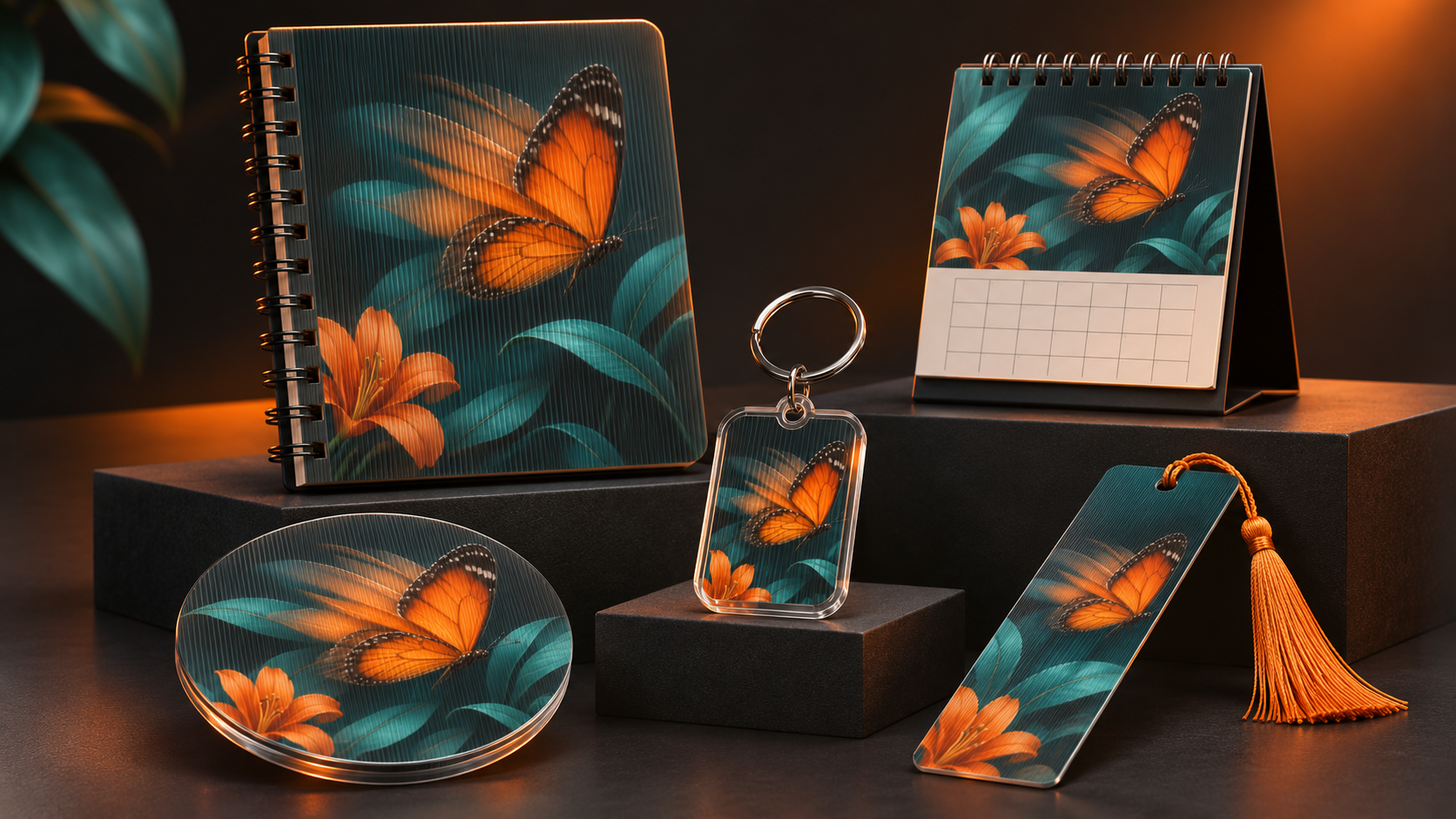
- Shelves and points of sale. Adapt the window artwork to a shelf-edge format such as a Lenticular Wobbler. A consistent logo, palette and product photograph help shoppers recognize the same campaign inside the store.
- Large advertising displays. Prioritize the product silhouette and a short headline for viewing at a distance. Explore the Lenticular Billboard and discuss size, mounting and installation conditions when requesting a quote.
How do you prepare artwork and approve a print proof?
- Map the viewing route. Record the poster location, mounting height, and nearest and farthest typical viewing points. Check whether people pass from the side or approach head-on. This helps determine the direction of the transition and the angles where it needs to be visible.
- Choose one campaign goal. Explaining a product feature, introducing new packaging and attracting stand visitors call for different creative decisions. Use the transition to reinforce one message.
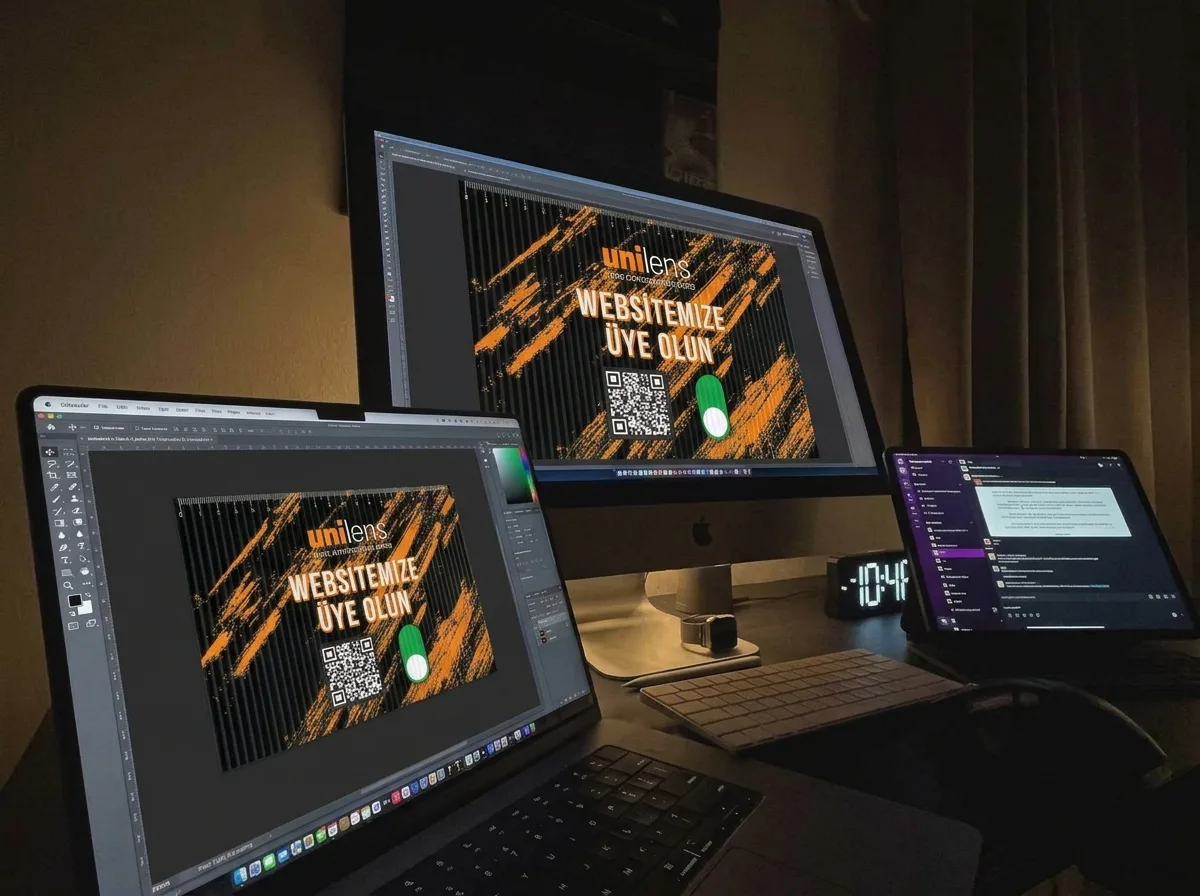
- Supply separate source files. Provide individual frames for a flip, or separate foreground and background layers for 3D where possible. Supply vector logos and confirm resolution, bleed and color profile with the printer once the size and effect are defined. See our lenticular artwork preparation guide.
- Review the proof under real viewing conditions. Examine the sample head-on and from the side, then walk past it at the intended distance. Check that frames separate clearly and fixed text is legible. If the poster has a QR code, test it with a phone from the intended distance. A static printed area may be a better location for the code.
- Approve installation details before production. The frame, backing, edge allowances and lighting angle all affect the finished display. Record the approved effect, orientation and mounting method in the production brief.
What determines the cost of a lenticular poster?
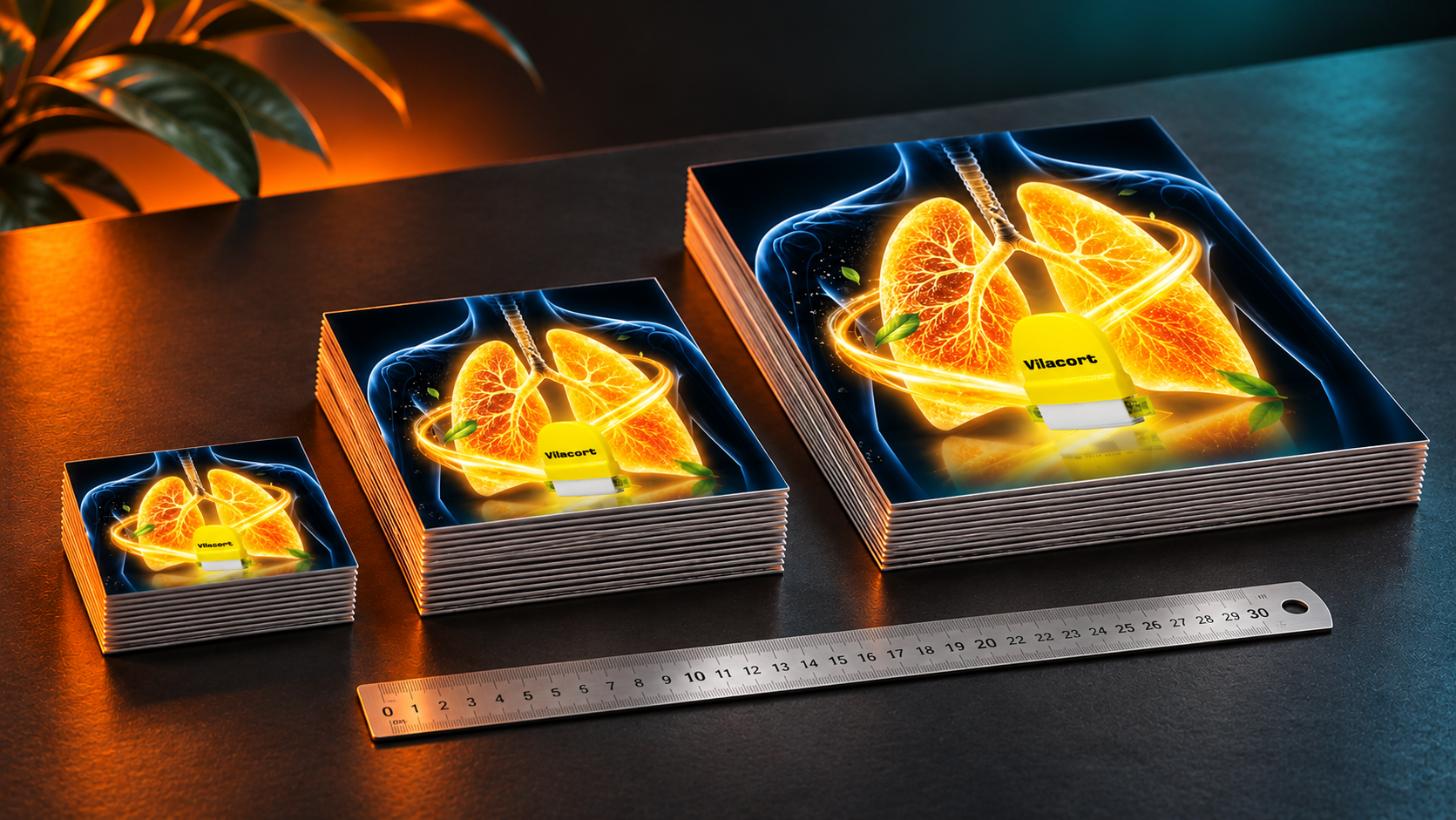
Price depends on poster size, quantity, effect, lens and print specifications, artwork preparation, proofs, and any mounting or display hardware. Two jobs of the same size can have different costs if one uses two supplied frames and the other needs a custom layered 3D composition. For a multi-store rollout, include both the total number of posters and the number of artwork variations. Read the lenticular printing prices and quotation guide for a fuller breakdown.
Frequently asked questions about lenticular posters
Does a lenticular poster need electricity?
The print works through the lens surface and changes in viewing angle, so the print itself requires no electricity. Window lighting and illuminated mounting systems are planned separately.
Can the same poster work at close range and from a distance?
The optics are designed around a priority viewing distance. If both distances matter, define a strong silhouette that can be read from afar and a second detail that rewards a closer look. Review both distances on the proof.
Can existing poster artwork be adapted for lenticular printing?
Yes, if the source files and composition allow it. A flip may need a second frame, while a 3D effect may require separate layers or a revised composition. Review small text, busy backgrounds and elements that must stay fixed before proofing.
Can lenticular posters be used outdoors?
Outdoor suitability depends on sunlight, moisture, temperature changes and the installation method. Share the campaign duration, whether the surface receives direct sunlight and how the poster will be secured when requesting a quote.
Request a quote for your lenticular poster project
Prepare a photo of the installation area along with the desired size, quantity, viewing distance and delivery date. If available, include the source artwork and describe the change you want people to see as they pass. Browse our Lenticular Products or contact Unilens Ajans to discuss the project.